CLI-First AI Workflows: Why Simple Beats Complex
How leveraging Claude's native CLI capabilities with standard Unix tools and API calls delivers more power with less maintenance than complex MCP server architectures.
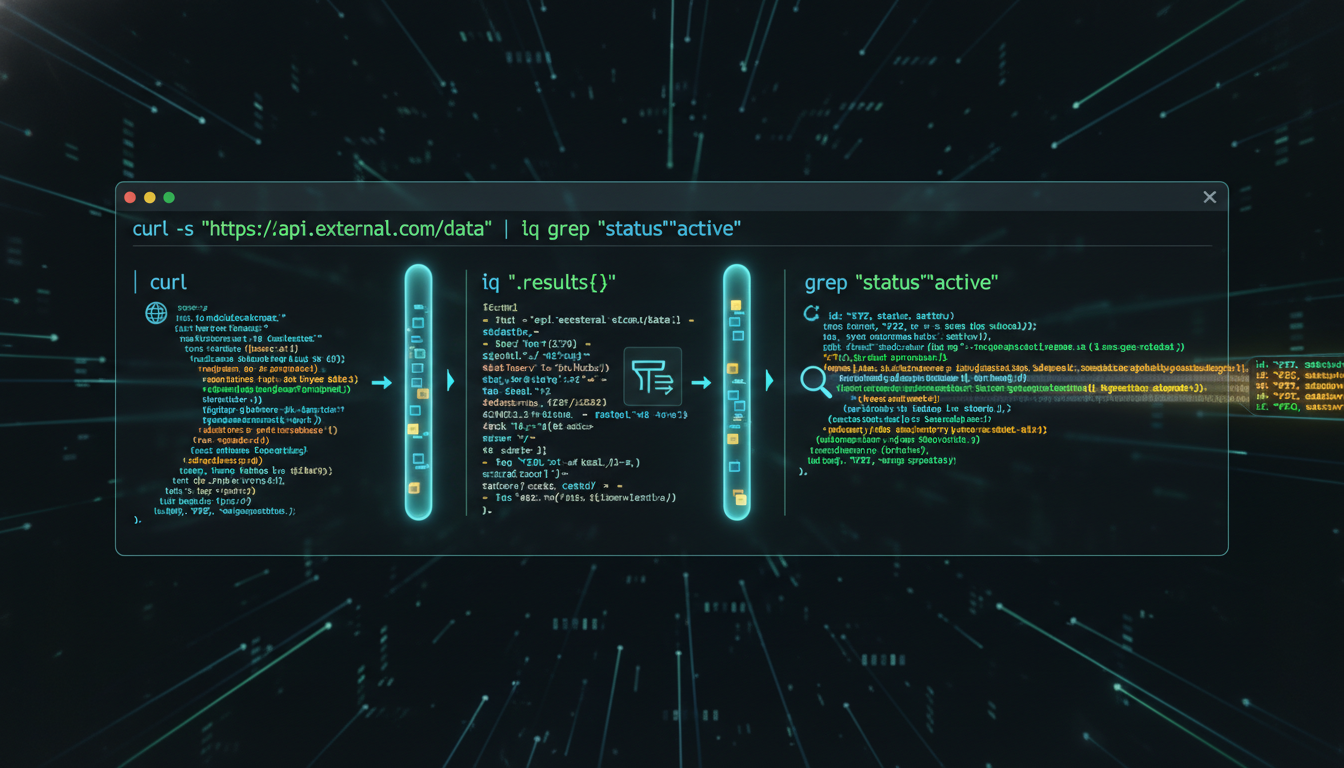
CLI-First AI Workflows: Why Simple Beats Complex
I spent a day debugging an MCP server that was failing silently on authentication. The error wasn’t in my code — it was in how the MCP protocol was serializing an OAuth token that worked fine when called directly. To fix it, I had to understand the protocol internals, not the service I was trying to use.
That experience reoriented how I think about AI tooling. For most automation tasks, the direct path — API calls, shell scripts, Unix pipes — is faster to build, easier to debug, and cheaper to maintain than the abstraction it’s supposed to simplify.
The MCP Promise vs. Reality
MCP servers are correct in theory: a standardized protocol for AI assistants to interact with external tools and services. Need database access? Spin up an SQLite MCP server. Want GitHub integration? Install the GitHub MCP server.
What the documentation doesn’t tell you:
Maintenance overhead: Each MCP server is another dependency — version conflicts, authentication configuration, state recovery after crashes, debugging that requires understanding protocol internals rather than the underlying service.
Limited flexibility: MCP servers expose fixed capabilities defined by the server implementation. Custom workflows require forking and modifying servers. Complex operations often need multiple MCP calls with state management that you’re now responsible for.
Debugging opacity: When a CLI call fails, you get an HTTP status code and a response body. When an MCP call fails, you get a protocol error that may or may not tell you what the underlying service rejected and why.
The CLI Alternative
# Direct API call with curl - zero dependencies beyond curl itself
curl -X POST "https://api.github.com/repos/owner/repo/issues" \
  -H "Authorization: token $GITHUB_TOKEN" \
  -H "Content-Type: application/json" \
  -d '{"title": "New issue", "body": "Issue description"}'

# Pipe to jq for JSON processing
curl -s "https://api.example.com/data" | jq '.items[] | {id, name}'

# Chain with other Unix tools
grep -r "TODO" src/ | wc -l

# Combine API calls with local processing
curl -s "https://api.github.com/repos/owner/repo/commits" \
  | jq -r '.[].commit.message' \
  | grep -i "fix" \
  | sort | uniq -c
The advantages are operational, not theoretical: you see exactly what’s happening, standard error messages tell you what failed, Unix pipes let you compose operations in ways MCP servers never anticipated, and fewer moving parts means fewer failure modes.
Claude can call these directly with the Bash tool. No server to install, no protocol to debug.
Real-World Example: Email Processing
MCP Server Approach
1. Install Gmail MCP server
2. Configure OAuth for MCP server
3. Debug MCP server authentication
4. Use MCP protocol to query emails
5. Parse MCP response format
6. Install Tasks MCP server
7. Configure second OAuth flow
8. Use MCP protocol to create tasks
9. Handle MCP server crashes
10. Update both servers when APIs change
CLI-First Approach
# Single Python script using official Google API libraries
python3 scripts/emergency-email-detector.py

# Inside the script:
# - Direct Gmail API calls with requests
# - Direct Calendar API for event creation
# - Standard JSON processing
# - Clear error handling with try/except
# - Logging to stdout for debugging
The CLI approach takes hours to implement instead of days, uses standard Python debugging instead of protocol archaeology, and when the Gmail API changes, you update one script instead of waiting for two MCP servers to publish new releases.
When MCP Servers Actually Make Sense
The case against MCP isn’t categorical. There are legitimate use cases:
Stateful services that benefit from connection pooling — database connections that are expensive to establish and share state between calls.
Standardized operations where the MCP server is actively maintained by the service provider and the operations it exposes are exactly the operations you need.
Complex protocol translation — binary protocols or services with authentication flows complex enough that a well-maintained abstraction layer actually reduces rather than adds complexity.
The signal for MCP: you’d otherwise have to re-implement something complex, and someone else already did it correctly. The signal against: the abstraction creates opacity that makes the debugging path longer than just calling the underlying service directly.
The Maintenance Reality
After six months of running both approaches in parallel:
- MCP-heavy workflows: ~20% of time debugging MCP server issues
- CLI-first workflows: ~5% of time updating API calls when services change
That 15% difference compounds. It’s time spent on actual automation rather than infrastructure maintenance.
The pattern I’ve landed on: MCP servers for truly stateful services (SQLite, Git repos where connection pooling matters), CLI + APIs for everything else. The hybrid gives MCP’s power where it adds value without the maintenance overhead where it doesn’t.
The current setup for API discovery: ask Claude to look up the official docs, generate a working script with direct API calls, run it with the Bash tool. Total time: 2-3 minutes. Total dependencies added: zero.
The broader infrastructure that this pattern fits into is described in The Stack.
Written by Dean Keesey