Claude Is Good at Wrangler
AI helps you write code. But then you context-switch to a dashboard to deploy. The AI sits idle while you click. There's a way to close the loop.
Claude Is Good at Wrangler
I had too much to do. The question became: how do I get AI to do as much of this as possible?
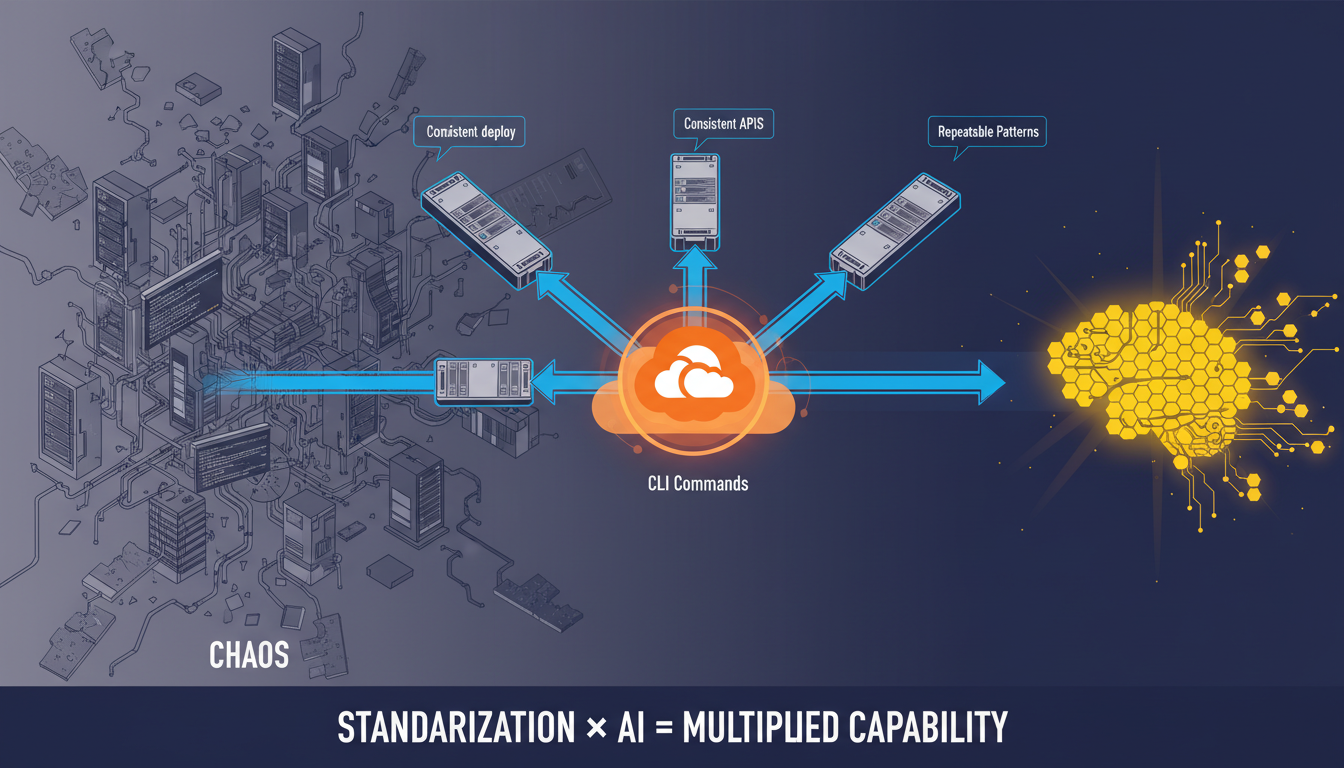
If it gets me 80% of the way there, that’s a huge win. So I started integrating layers. Standardizing behind sets of decisions. Removing friction wherever Claude hit walls.
I was already at the CLI - iTerm, Claude Code. And I could feel when things worked. Some tools Claude just… got. Others fought it every step.
Wrangler was one Claude got. I never touch Wrangler. I just know Claude gets it done.
The Gap Most AI Developers Don’t See
If you use Cursor, Claude, or Copilot, you’ve probably experienced this:
- AI helps you write code (fast)
- You switch to a dashboard to deploy (slow)
- AI sits idle while you click around
- You come back to the AI for the next feature
The promise of AI-assisted development breaks at step 2. The AI can write code but can’t ship it.
The CLI Is Where Power Concentrates
Claude Code put me back at the command line. And from there, everything changed.
The CLI has always been the locus of compute power. Supercomputers, data centers, automation infrastructure - all driven by text commands. GUIs exist for humans who can’t type or don’t know what they want.
Claude knows what it wants. It can type.

Why Wrangler Specifically
Most cloud providers fragment their tooling. AWS has 200+ separate CLIs. Google Cloud’s gcloud is sprawling. You spend more time finding the right command than executing it.
Wrangler concentrates an unusual amount of infrastructure power in a single CLI:
- Deploy sites (
wrangler pages deploy) - Manage DNS records
- Configure redirects
- Provision SSL certificates
- Manage R2 storage buckets
- Deploy Workers (serverless functions)
- Handle secrets
- Tail production logs
One tool. Most of what a web project needs.
The Discovery
I had Cloudflare already - good free tier, fast edge network, domains I’d consolidated there. When I started removing friction for Claude, Wrangler was just… there. One CLI that handled most of what I needed.
Then I noticed: deployments kept getting faster. Not because I was learning Cloudflare better. Because Claude was.
Me: "Deploy the Oakland Brainspotting site"
Claude: [builds, runs wrangler pages deploy, configures DNS, verifies]
Me: [reviews]
Done.
No dashboard. No context switch. The AI stayed in the loop through deployment.
Closing the Loop
The insight isn’t “use Cloudflare.” It’s: find a CLI that lets your AI finish the job.
Wrangler happens to be one that works. There are probably others. The question to ask:
What’s my Wrangler? What CLI could I hand to my AI that would let it ship, not just write?
If you’re still context-switching to a GUI to deploy, your AI is only doing half the work.
What I use: Claude Code + Wrangler CLI + Cloudflare Pages. The AI writes, builds, deploys, and verifies. I review.
What changed: Deployment stopped being a separate step. It became part of the conversation.
Written by Dean Keesey